Alex Galuzin.com
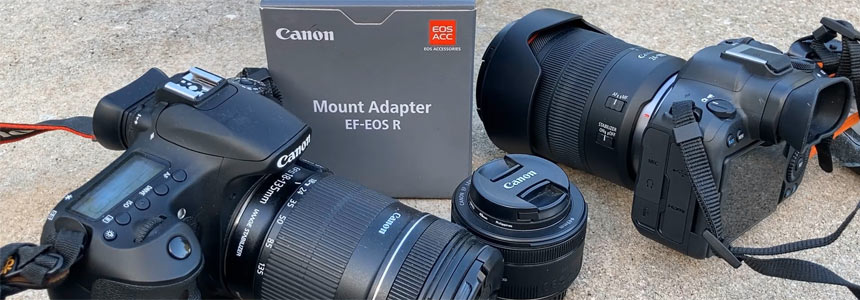
Canon R6 Mark II: How to Attach RF Lenses and Use EF Lenses on Your Canon R6 Mark II
Photography
October 06, 2025
In this two-part guide, you will learn everything you need to know about working with lenses on your Canon R6 Mark II.
Part 1 covers how to properly attach and remove RF lenses on the camera.
Part 2 shows you how to use your older EF lenses on the R6 Mark II with a mount adapter. Including why you need one and step-by-step instructions on how to set it up.
Whether you’re using new RF lens or adapting your existing EF lenses, this guide will help you get your lenses mounted quickly and safely.
Tutorial 1/2: How to Attach a Lens to Your Canon R6 Mark II
This guide works for any lens you have. The example shown uses the Canon 24-105 RF USM lens.
Video Tutorial
Step 1: Remove the Caps
Undo the cap on your camera by twisting it counterclockwise and remove it.
Do the same on the bottom of the lens: untwist and remove the lens cap.
Step 2: Attach the Lens
- Lift up your lens.
- Align the little red mark on the lens with the red mark on your camera.
- Push the lens onto the camera body. You will feel it pop into place.
- Tighten the lens slowly by twisting it clockwise until you hear a click.
That’s it. The lens is now securely attached.
Step 3: Remove the Lens
- Hold down the lens release button on the camera body.
- While pressing the button, twist the lens counterclockwise until it stops spinning.
- Lift the lens off the camera.
This is how you put a lens on your Canon R6 Mark II.
Tutorial 2/2: How to Use an EF Lens on Your Canon R6 Mark II
In this guide, I'm going to break down how to use an EF lens on your Canon R6 Mark II, which is a mirrorless camera with an RF mount.
Video Tutorial
Why You Need an Adapter
Here I have a Canon 60D, which is a crop sensor camera and a Canon EF 50mm 1.8 lens. This is a great, affordable fast lens and I love using it on my Canon 60D. Even though it was a crop sensor lens, which made it more like 85mm, it produced great sharp images.
When I got my Canon R6 Mark II, I wanted to continue using this lens on the new camera, but I couldn't because of the mount.
EF lenses do not work out of the box on mirrorless cameras.
What you need to make your EF lenses work on your Canon R6 Mark II is a mount adapter, EF-EOS R. This adapter will allow you to take any EF lens and use it on your mirrorless cameras.
The EF-EOS R Mount Adapter
The adapter that I have is the official Canon EF-EOS R mount adapter. I don't like any off-brands and I like to go directly to Canon.
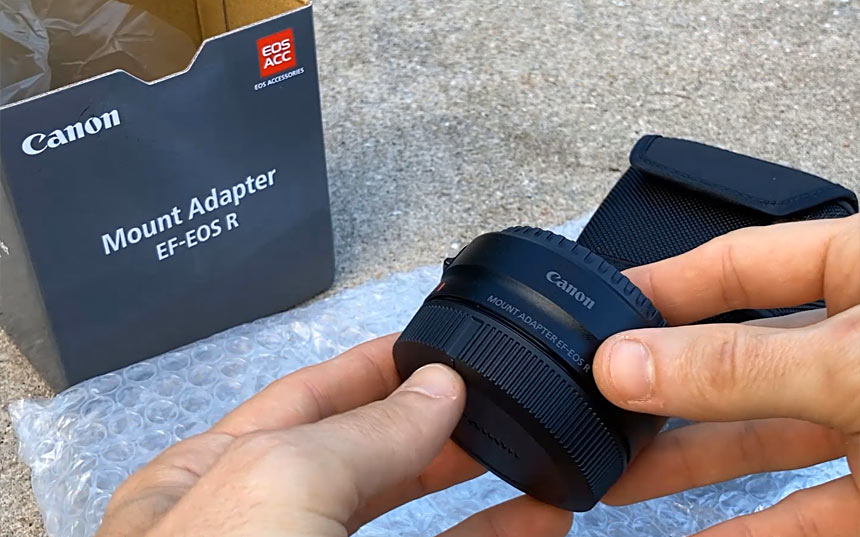
The adapter has two parts:
- The part that attaches to the camera
- The part where the lens goes (at the top)
You can unscrew the top to attach the EF lens. There is a red mark and a little notch on the adapter.
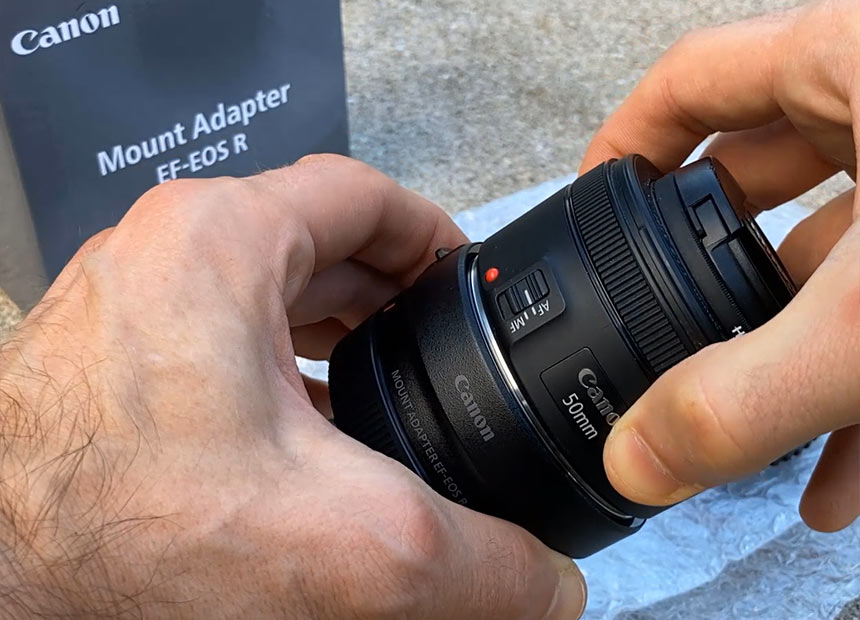
How to Attach the Lens to the Adapter
- Unscrew the top of the adapter and open it up.
- Remove the cap from your EF lens.
- Align the red mark on the lens with the red mark on the adapter.
- Tighten it until you hear the click.
The lens is now attached to the adapter.
How to Attach the Adapter to the Camera
- Remove the current lens on the camera by pressing the release button on the side and unscrewing it counterclockwise.
- Put a cap on the camera body to protect it.
- On the adapter, unscrew the back cap.
- Align the red mark on the adapter with the red mark on the camera.
- Screw the adapter on until you hear a click.
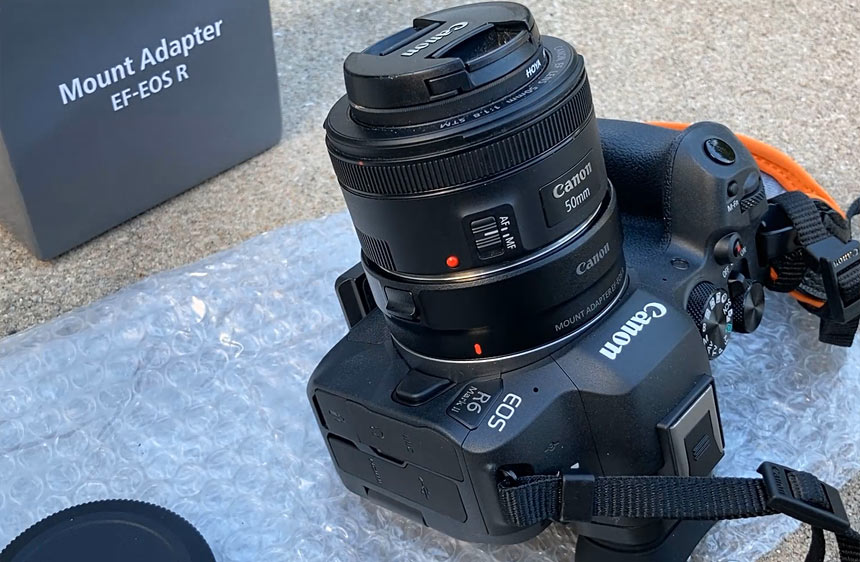
Done.
You are now ready to use your EF lenses on your Canon R6 Mark II.
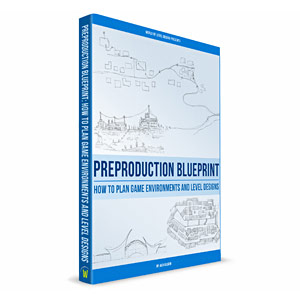
"Preproduction Blueprint"
I wrote a book on how to plan your level designs and game environment art. Buy the book in PDF, Paperback or Kindle version.
Subscribe: AG Email Updates
Follow Me


Recommended Posts: Start Here
-
 Fight Event: BCT1
Documenting and capturing first fight event. -
 Why I Bought Canon R6 Mark II
Upgrading and buying a new camera Canon R6 Mark II. -
 Capturing Lightning Tips
Capturing lightning for first time tips. -
 Photography Experiments #1
Collection of best photos part 1. -
 Canon 60D: Max ISO 12800
How to max out your ISO on Canon 60D.
About AlexG

Your Support Makes This Blog Possible
Some of the blog posts may include Amazon