Alex Galuzin.com
Documentary Style Photographer Documenting Fighters, Warriors, Rebels, Artists
Canon R6 Mark II: How to Attach a Screen Protector to Protect Your LCD Display
Canon R6 Mark II
October 08, 2025
In this post, I'm going to show you how to attach and protect your LCD screen on your Canon R6 Mark II.
Video Tutorial
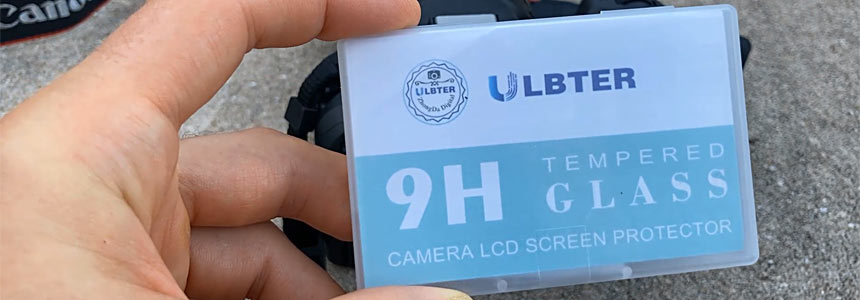
The Screen Protector I Bought
Here is the LCD screen protector I bought.
What's Included
It comes with 3 screen protectors. When you open it up, you get:
- Three wipes
- Some dust absorbers
- Three different screens
- Instructions
Steps to Apply the Screen Protector
Basically, you clean the screen first using the wipes. Then you can use the dust absorber if there's any dust. And then you attach the protector.
I'm not going to use any of these because my screen is very clean at the moment. But if I had some dust or dirt, then I would use the provided wipes. Since there are 3, I'm only going to use one and I'll keep the other 2 just in case.
- Open up the screen protector. Notice that it says "back." When you peel this off, there's an adhesive. This is the part that's going to go onto the screen.
- Make sure that whenever you peel this off, you do not touch the adhesive part.
- Open up the camera screen so it's a little easier to put it on.
- Align the protector how it's going to go.
- Peel the sticker. Again, make sure you don't touch the adhesive part.
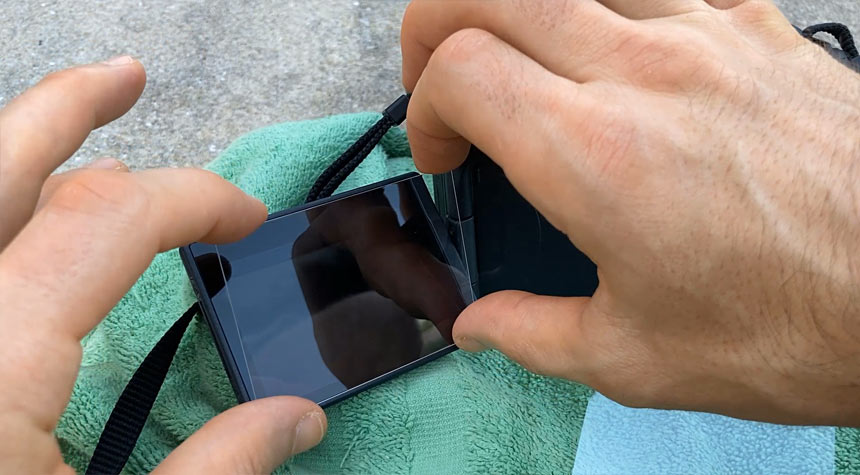
- Very carefully put it on so it lines up just right.
- Rub your fingers all over so the bubbles disappear.
Testing the Screen Protector
Now turn on the camera and test.
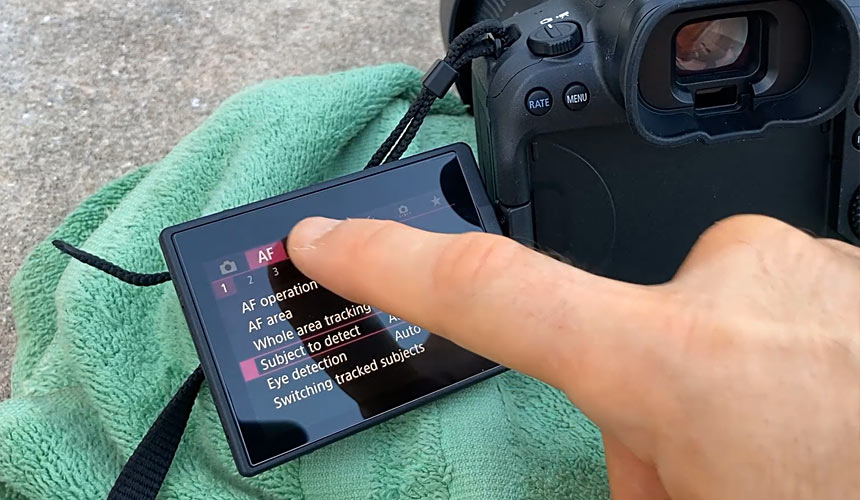
And that's how you put on a screen protector onto your Canon R6 Mark II.

Portfolio Gallery
My name is Alex. Former fighter, now photographer. I'm documentary style photographer specializing in documenting fighters, warriors, rebels, artists, creators, business owners in their natural environments.
Subscribe: AlexG Photo Email Updates
Follow AlexG


Photography Portfolio


Recommended Posts



Blog Categories

About AlexG Photography

Quick Disclaimer on Blog Posts
I share my photography and creative workflow process through many of the blog posts. Some of these posts may include Amazon